List Image Upload
Inserting picture from file B
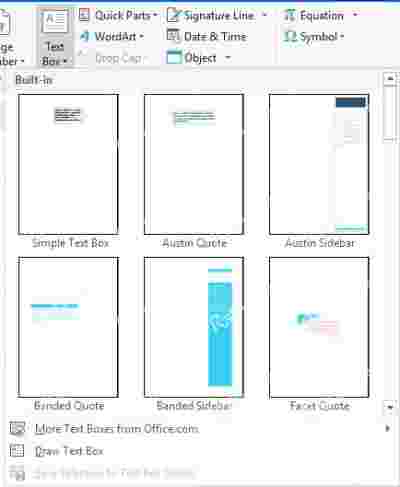
Inserting a text box
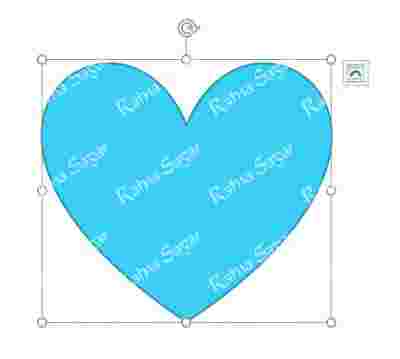
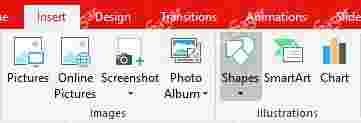
Inserting a shape
Inserting a row or column
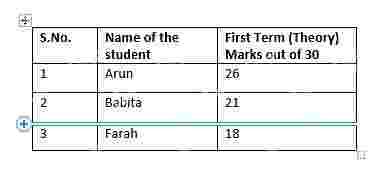
Inserting a row or column 1
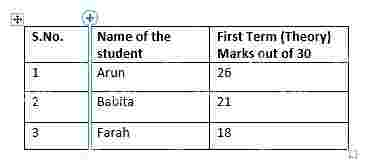
Inserting a picture from the Internet C

Inserting a picture from the Internet B

Inserting a new row and column
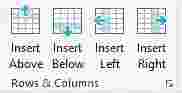
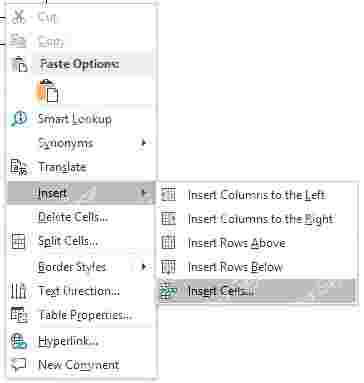
Inserting a new cell in a table
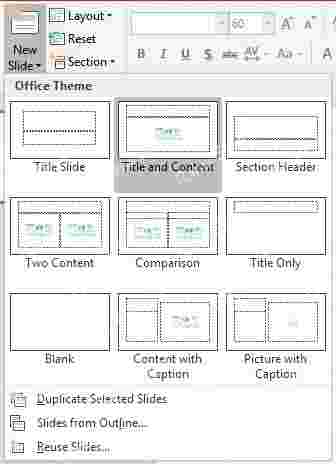
Inserting a New Slide
Inserting WordArt C
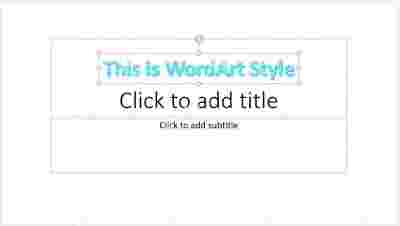
Inserting Shapes B
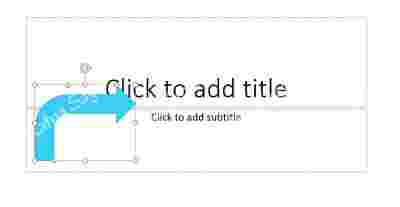
Inserting Shapes A
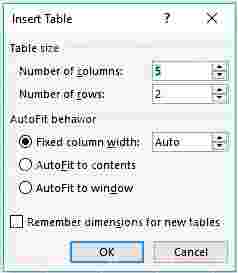
Insert table dialog box
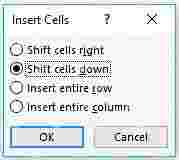
Insert cells dialog box
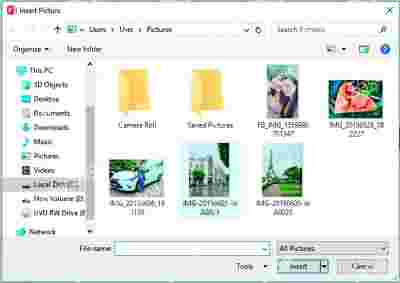
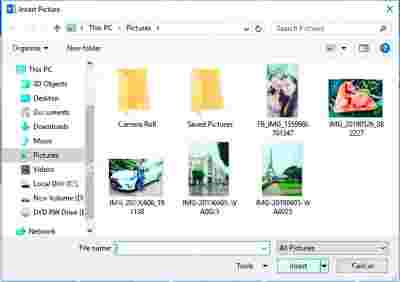
Insert Picture dialog box
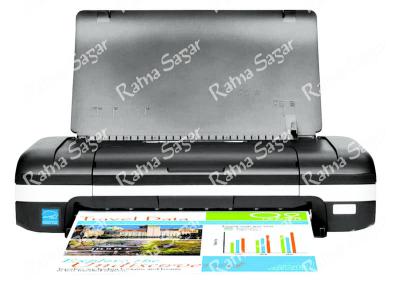
Inkjet printer 3
IT Vision Book 4
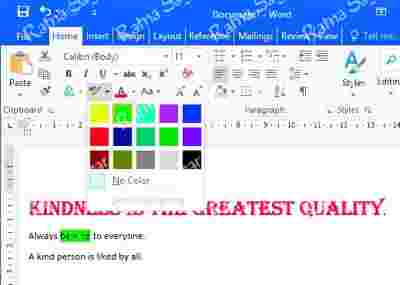
Highlighting text
Formatted wordart
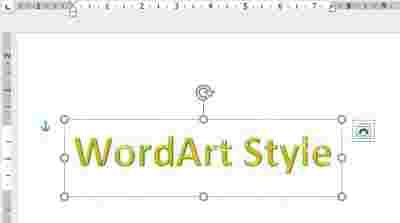
Format tab options

Format painter button

Format Painter C
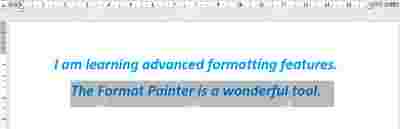
Format Painter B
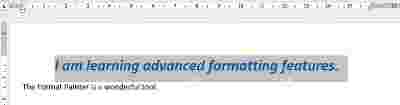
Format Painter A
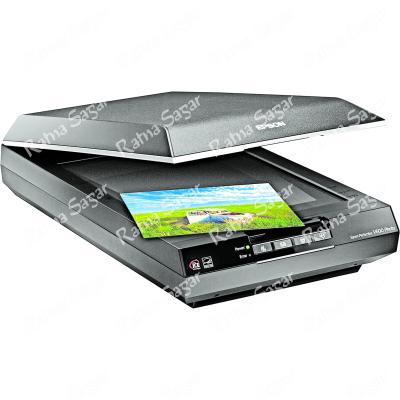
Flatbed scanner 2
Flash Back_1

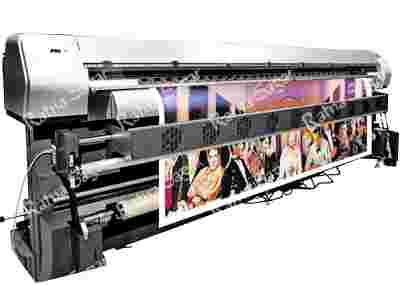
Drum plottter 1
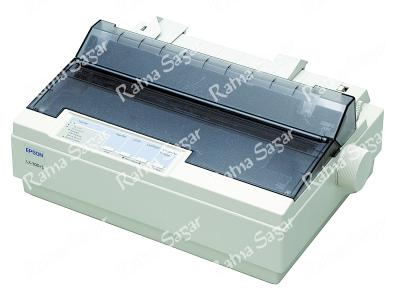
Dot matrix printer 2
Documents

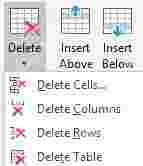
Deleting cell, row, or columns
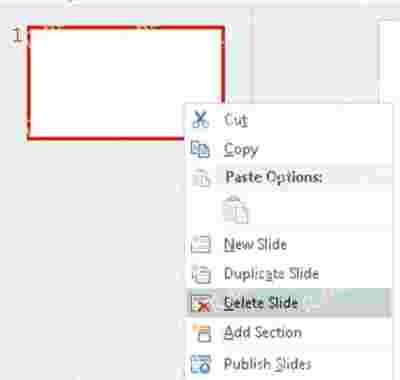
Deleting a slide
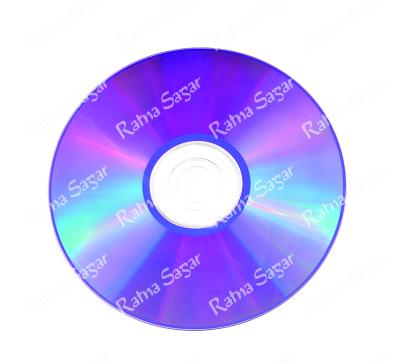
DVD_8475547
Creating a presentation using template

Closing a presentation B
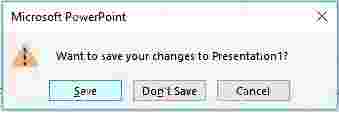
Closing a presentation A

Clear all formatting button

Chorme_icon

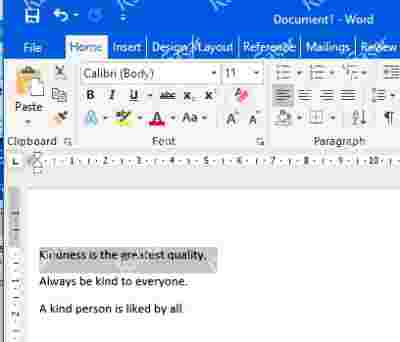
Changing font type and size C
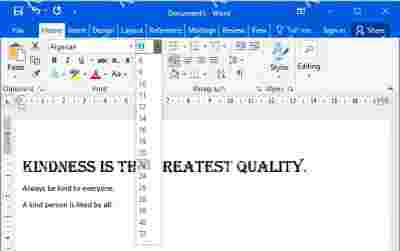
Changing font type and size B
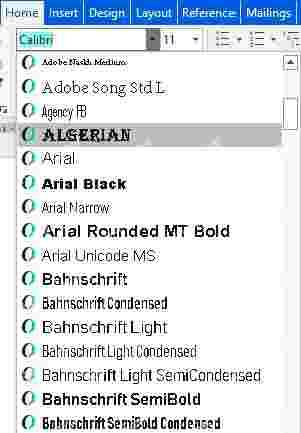
Changing font type and size A
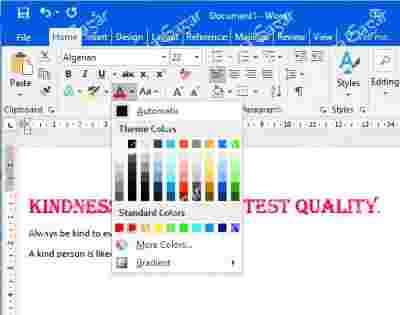
Changing font color
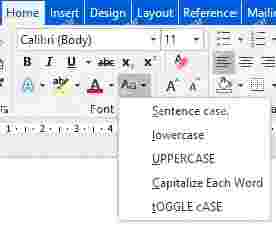
Change case options
Cat Sprite_Pg 110

CD_18810757
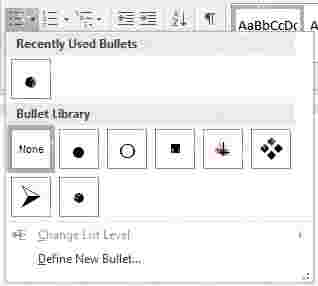
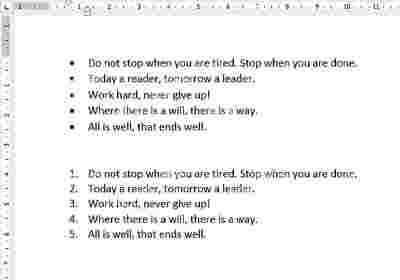
Bullets drop-down menu
Bullets and numbering options
Bullets and numbering effects
Book 4 Cover

Blu ray_52467841
Blank layout
Bk 4 Pg 68 6.3

Bk 4 Pg 68 6.2
Bk 4 Pg 67 6.1
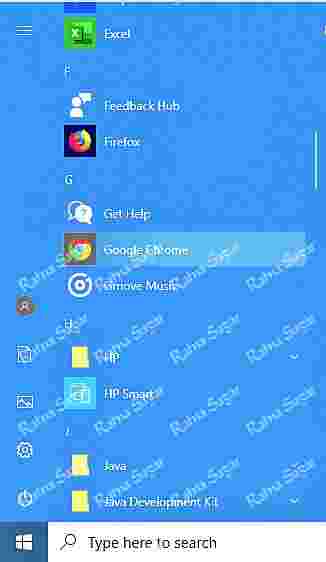
Bk 4 Pg 14 Icon2

Bk 4 Pg 14 Icon1

Bk 4 Pg 12
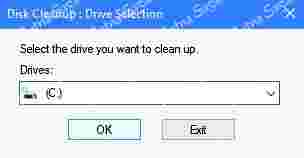
Ava's activity slide 2

Ava's activity slide 1

Ava's Activity time
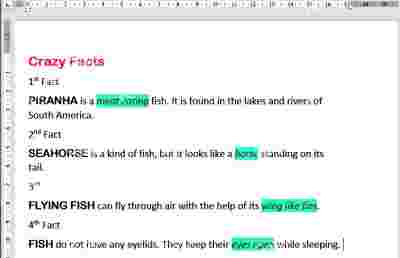
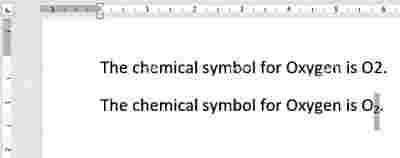
Applying superscript
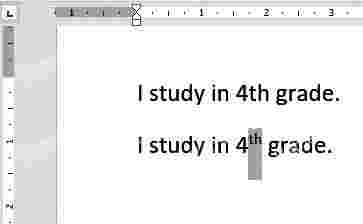
Applying subscript
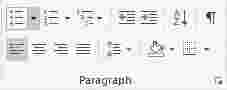
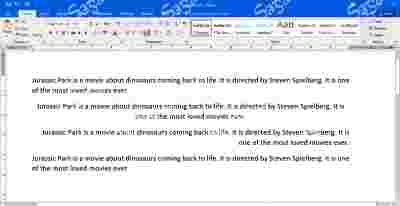
Alignment effects
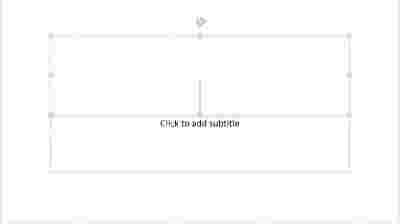
Adding text in a slide B

Adding text in a slide A
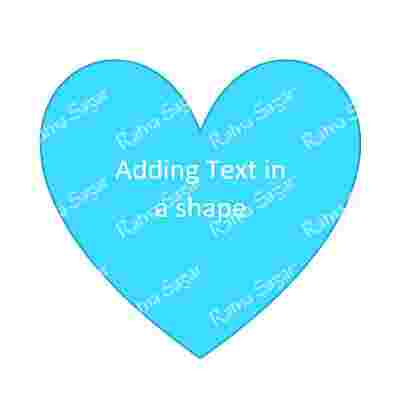
Adding text in a shape
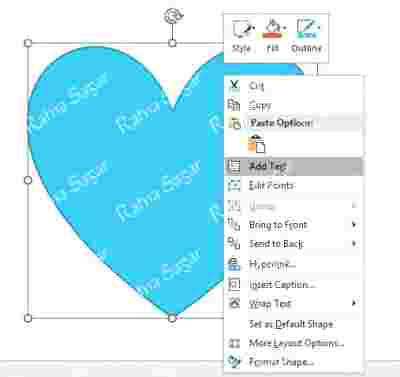
Adding text in a shape 2
9.5b
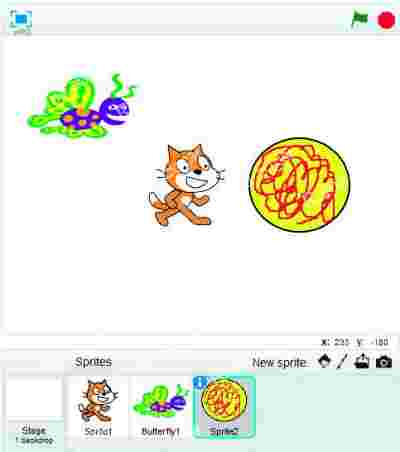
9.5a
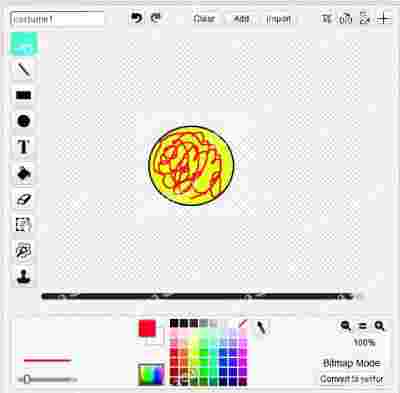
9.4b
9.4a
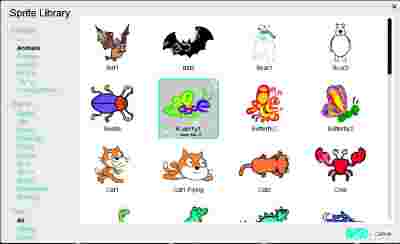
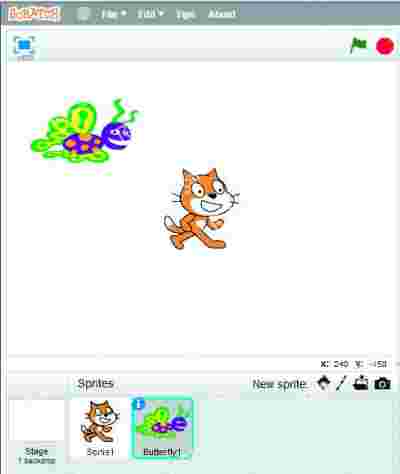
9.16
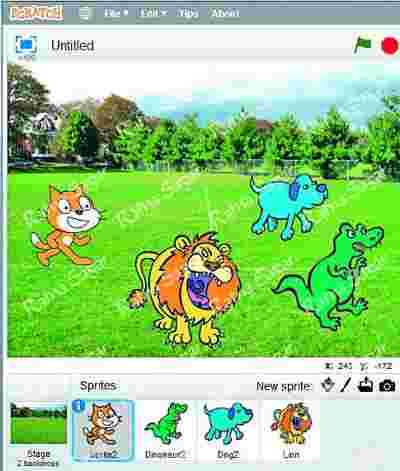
9.15b
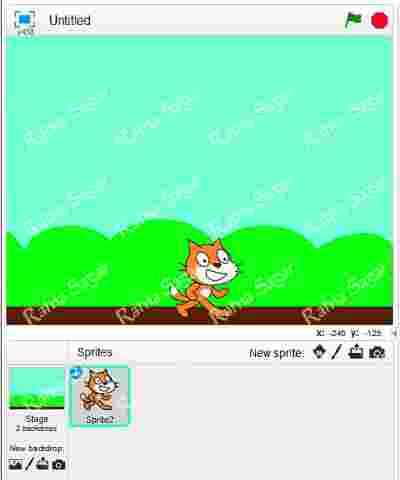
9.15a
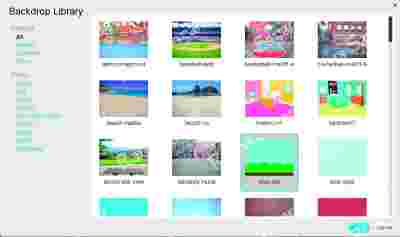
9.14
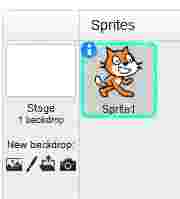
3.9b
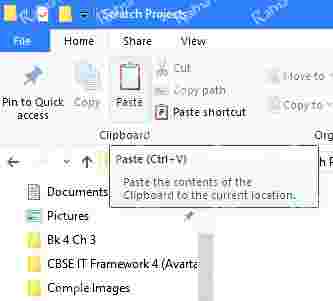
3.9a
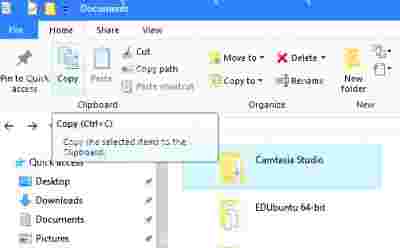
3.7c
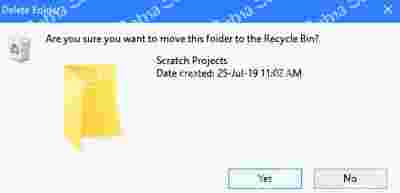
3.7a
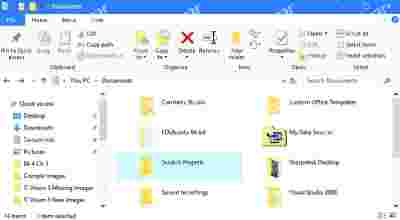
3.6b
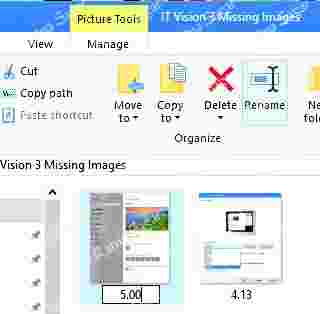
3.6a
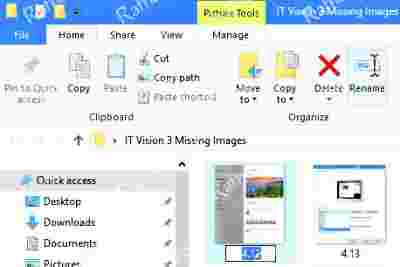
3.5b

3.5a

3.5
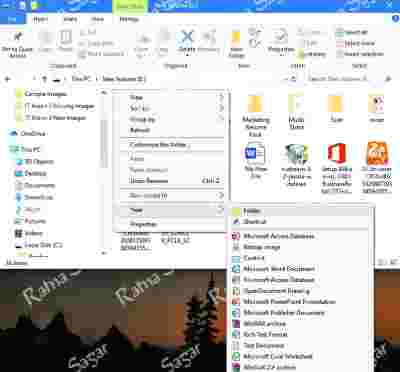
3.4b

3.4a

3.4
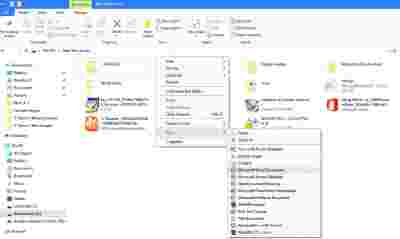
3.2
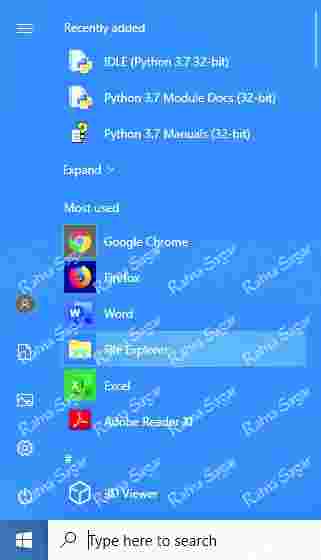
word project book 3

turn degrees

text tool

start button_1

127189739A
set pen size to

select tool_1

select tool

select all tool

say hello!

repeat

program icon.JPG

play sound

play drum

pg 8 fig. 1.2
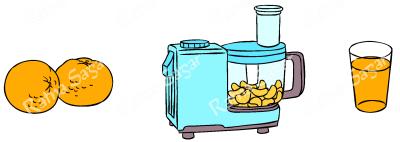
pencil tool

pen down

paste icon_1

notification area

next

next costume

move 10 steps

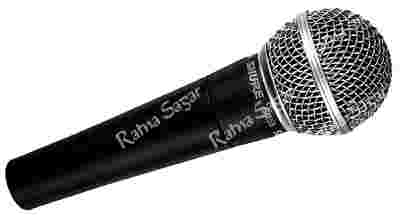
microphone
magnifier tool icon.JPG

lighten effect

key-_1

kaleidoscope

irregular mosaic

invert selection tool

if on edge, bounce

hexagon mosaic effect

headphones